
One design. Every language.
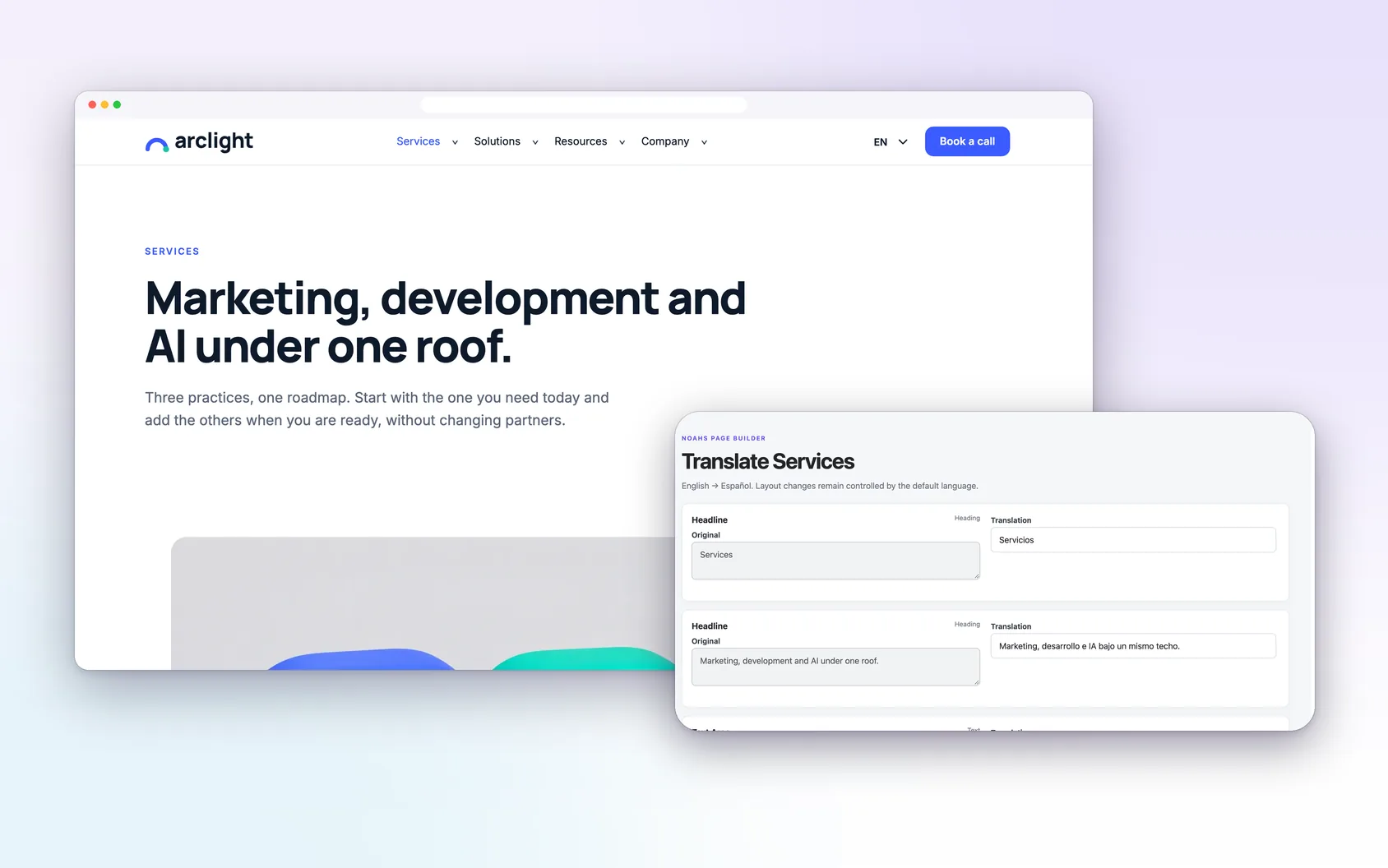
Pick the way that fits each page.
A layout for each language.
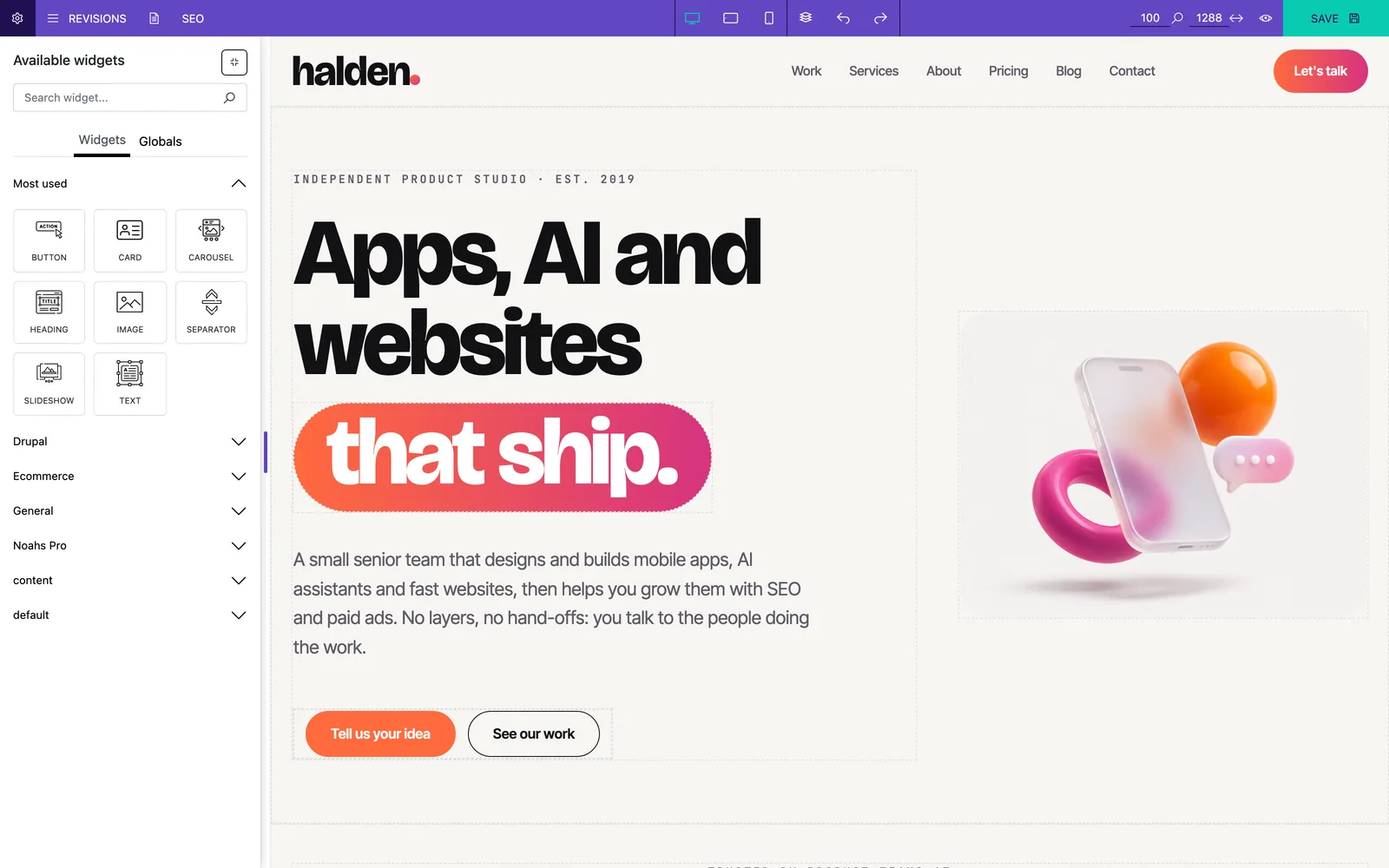
Open the translation in Noah's editor and change what you need: longer headlines, other images, a section that only makes sense in one market.
Every text control, side by side with its original. Layout changes stay in the default language, so there is one design to maintain.
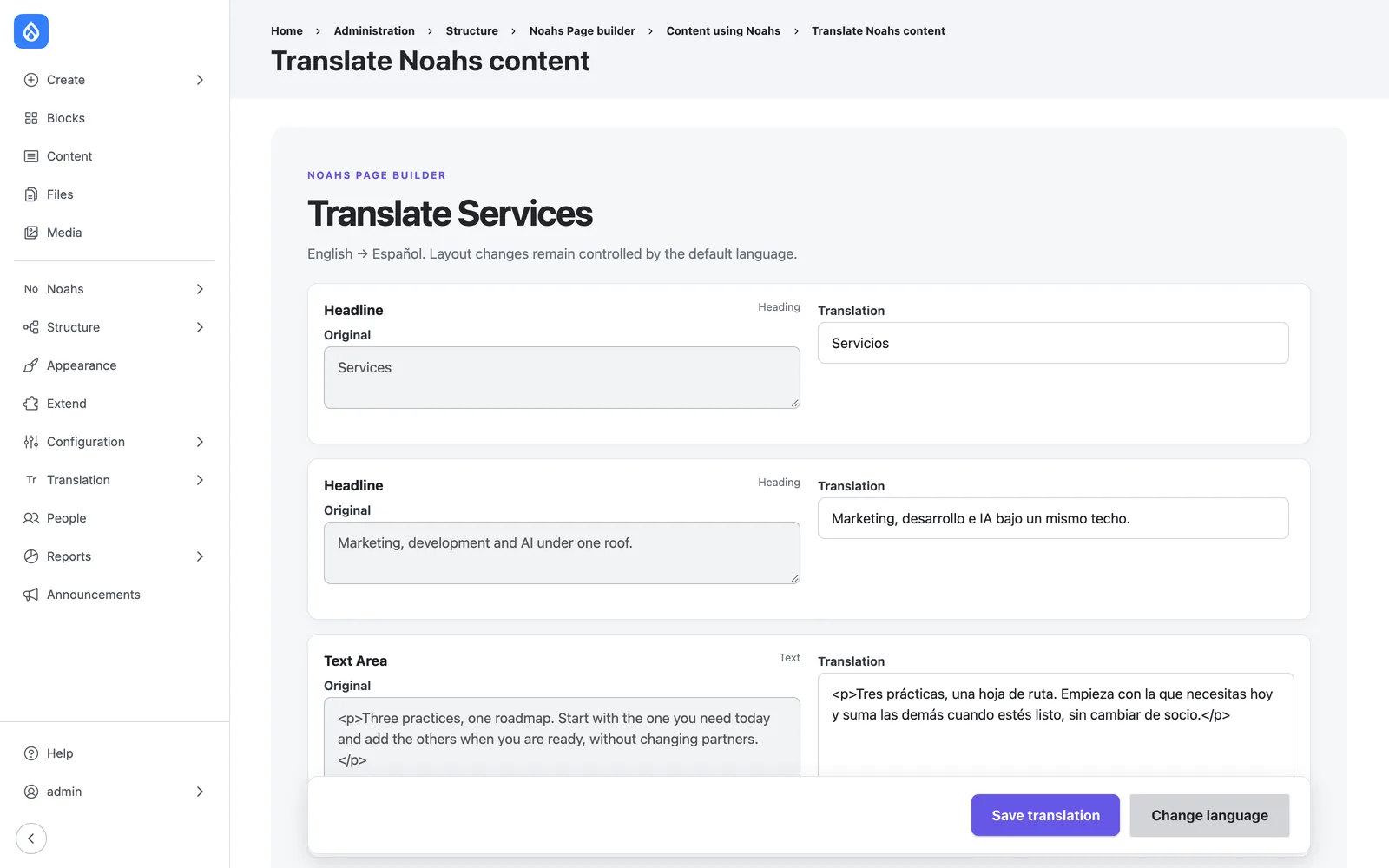
Translate a widget in seconds and keep the structure and design of the page. Review it, adjust it, publish.
Your languages. Your URLs. Your workflow.
One Noah's design per language, or one for all
A Language switcher widget for your header
Per-language paths and aliases, the Drupal way
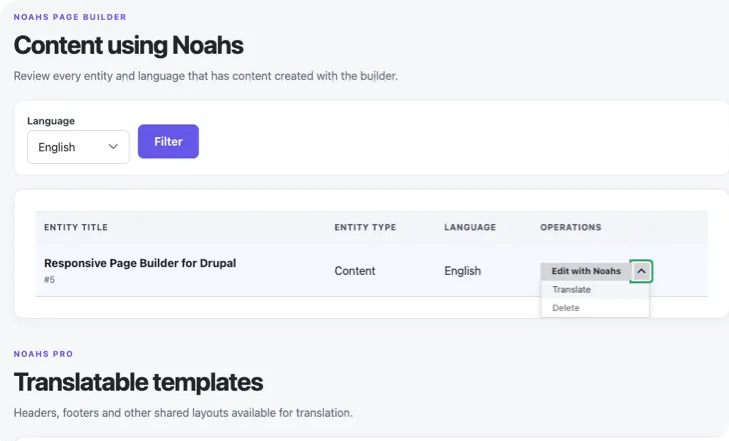
See every page and language that uses the builder
Choose per page, not per site.
Each market needs its own story: different images, longer texts in German, a promotion that only runs in one country.
One design should rule them all: change it once in the default language and every translation follows. Fewer pages to maintain.
Speak every language. Design once.
Yes. Translations are part of Noah's Page Builder, the free editor.
The Language and Content Translation modules of Drupal core, with the languages you want enabled. Noah's uses the translations you already manage.
Yes. Open the translation in the editor and adapt its layout: longer headlines, other images, a section for one market only.
Yes. Every text control appears side by side with its original. Layout changes stay in the default language, so there is one design to maintain.
Yes. Adapt the pages that need it and keep one layout everywhere else, on the same website.
Yes, with Noah's AI. It helps you translate while keeping the structure and design of the page, and you review it before saving.
The Language Switcher widget comes with Noah's PRO. With the free editor you can place Drupal's own language switcher block with the Drupal Block widget.