
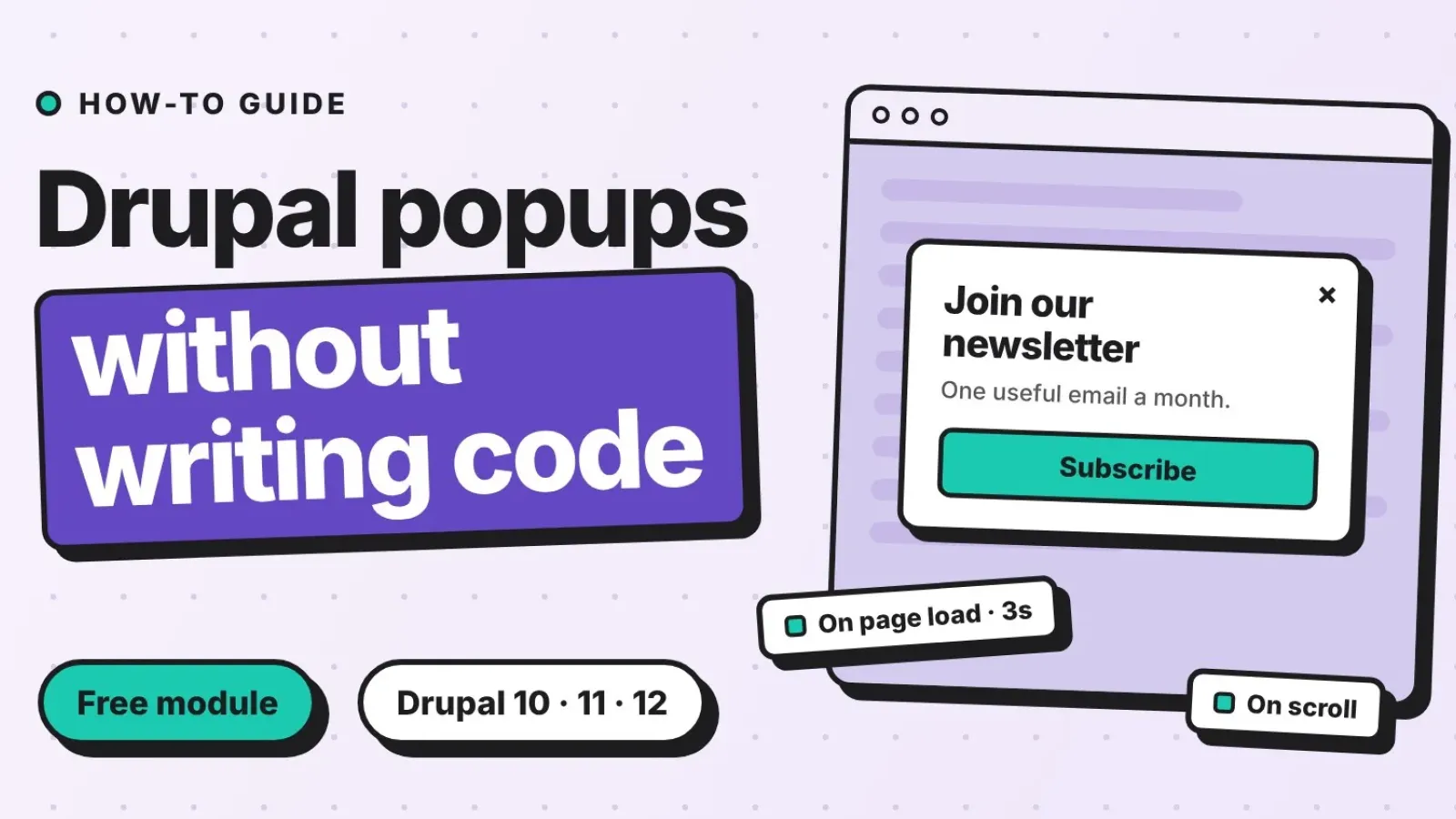
Short answer: to create a popup in Drupal without writing code, install a popup module, design the popup content, choose where it appears (display rules) and decide when it opens (triggers). With the free Noah's Popups module you do all of that visually, inside Drupal, in about ten minutes.
This guide walks you through the whole process, compares the main Drupal popup options and shares a few rules to keep your popups helpful instead of annoying.
What you need before you start
- Drupal 10, 11 or 12. Noah's Popups 1.2.x declares compatibility with
^10 || ^11 || ^12. - Noah's Page Builder (drupal/noahs), because popups are designed with the same visual editor.
- Composer access and a user with the administer noahs_page_builder permission.
Both modules are free and open source. Advanced targeting lives in the paid Popups Pro add-on, and we'll flag exactly what is Free and what is Pro along the way.
How to create a popup in Drupal, step by step
1. Install the modules
From your project root:
composer require drupal/noahs drupal/noahs_popups
drush en noahs_popups
Enabling Noah's Popups also enables Noah's Page Builder, since it depends on it. If you prefer the admin UI, the official guide to installing Drupal modules covers it.
2. Create the popup
Go to Noahs → Popups in the admin menu (/admin/structure/noahs/popup-list) and click Create Popup. Give it a name you'll recognise later, like "Black Friday newsletter", and save. Drupal takes you straight into the visual editor.
3. Design the content visually
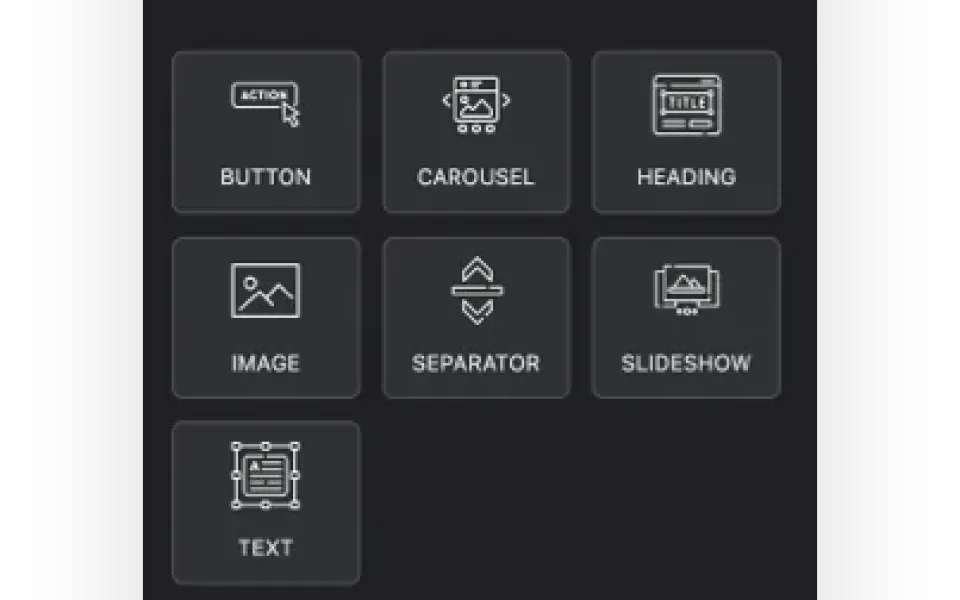
Drag widgets into the popup: headings, text, images, buttons and anything else you already use in Noah's. You see the result live while you edit, so there's no "save and refresh" loop.
In the popup settings you can also adjust the width and height, the horizontal and vertical position (centred modal, corner notice, top bar…), the overlay colour and the style of the close button.
4. Choose where it appears
Open Popup Settings → Conditions. Each condition either includes or excludes part of your site:
- Entire site: every page on your default theme.
- Specific page: only the pages you pick.
- Content type: for example, every article but not your landing pages.
You need at least one include rule, and exclusions always win. "Include entire site + exclude the checkout page" is a classic combination.
5. Decide when it opens
In the Triggers tab, the free version gives you two automatic triggers:
- On page load, with a delay in seconds (3 seconds by default).
- On scroll, once the visitor has scrolled a distance in pixels (300 px by default).
There's also a manual option: any Noah's Button widget can open or close a specific popup (look for Popup Actions in the button settings). That's perfect for "Get the free guide" buttons that open a form.
6. Control how often it comes back
The On Close tab sets how long to wait before showing the popup again to someone who closed it, in seconds, minutes, hours or days (7 days by default). The free module remembers this in the visitor's browser storage, not in a cookie.
7. Publish it
Back in the popup list, switch the popup on. Visit your site in a private window to check it appears where and when you expect, then test it on a phone.
Free vs Pro: what you get with each
| Feature | Noah's Popups (Free) | Popups Pro |
|---|---|---|
| Visual popup design, size, position, overlay | ✅ | ✅ |
| Include/exclude rules (site, pages, content types) | ✅ | ✅ |
| On page load (with delay) and on scroll (px) | ✅ | ✅ |
| Open/close from a Noah's button | ✅ | ✅ |
| Pause after closing | ✅ | ✅ |
| Exit intent, inactivity, scroll percentage, click on any CSS selector | — | ✅ |
| Audience: device, anonymous/logged-in, roles, URL contains, UTM source, session time, page views | — | ✅ |
| Scheduling: start/end dates, weekdays, daily time slots | — | ✅ |
| Maximum opens per visitor in a period | — | ✅ |
| Entry/exit animations | — | ✅ |
| Opens, closes and conversion clicks per popup | — | ✅ |
For a newsletter signup or an announcement, Free is enough. Pro makes sense for campaigns: a Black Friday offer that switches itself off at midnight, an exit-intent popup only for anonymous visitors, or a message for people arriving from a specific UTM source. See the Popups feature page for details.
Other ways to add a popup in Drupal
Noah's isn't the only option, and the right choice depends on your stack:
- Simple Popup Blocks turns any block, view or form (or anything you can target with a CSS selector) into a popup. It's widely used, offers ten layouts and supports automatic, on-click and before-leaving triggers. It adds no design of its own, so styling is up to your theme. Its project page lists it as minimally maintained.
- External SaaS popup tools work on any CMS through a script tag. They're powerful, but the content lives outside Drupal and they usually come with a monthly fee.
- Custom code with Drupal's dialog API gives full control, but you're writing and maintaining JavaScript and templates yourself.
Noah's Popups fits best when your editors already build pages with Noah's, or when you want marketers to create popups without asking a developer every time.
Best practices for Drupal popups that people don't hate
- Be careful on mobile. Google's Search documentation recommends avoiding intrusive interstitials that make content hard to access. Prefer smaller formats or a scroll trigger on phones.
- Don't fire on second zero. A short delay or a scroll trigger shows the popup to people who are actually reading.
- Respect the "no". Use the pause after closing generously: days, not minutes.
- Make closing obvious. A visible, generous close button is the minimum. The W3C's modal dialog pattern is a good reference for accessibility.
- One message per popup. One headline, one action. If it needs scrolling, it's probably a page.
- Exclude sensitive pages like checkout, login or contact forms.
FAQ
Is there a free popup module for Drupal 11?
Yes. Noah's Popups is free and supports Drupal 10, 11 and 12. Simple Popup Blocks is another free option for Drupal 10 and 11.
Can I create a popup in Drupal without coding?
Yes. With Noah's Popups you design the content, set the rules and choose the triggers from the admin UI. The only command line step is installing the module with Composer.
How do I show a popup only once per visitor?
In the free version, set a long pause in the On Close tab so it doesn't come back after being closed. Popups Pro adds a maximum number of opens per visitor within a period.
Can I add an exit intent popup in Drupal?
Yes, with Popups Pro, which triggers the popup when the cursor moves towards leaving the window. The free version offers page load, scroll and button triggers.
Can a button open a popup in Drupal?
Yes. In Noah's, any Button widget can open or close a specific popup using its Popup Actions setting.
Conclusion
Creating a popup in Drupal no longer means writing JavaScript or wrestling with blocks. Install the module, design it visually, set where and when it appears, and give visitors room to say no. Start with the free version and move to Pro only when you need campaign-level targeting.
Ready to try it? Download Noah's Page Builder and Noah's Popups for free on drupal.org, and see how the editor works or how to edit Drupal pages in real time.
More from the blog
If you're already building with Noah’s, the 1st and ultimate free drupal page builder, you’re in for a treat.
Imagine tweaking your website’s colours, fonts, or text and seeing the changes instantly—without refreshing, saving, or second-gue
In the fast-evolving world of Drupal tools, there are many choices when it comes to building pages efficiently and effectively.
Drupal’s strength has always been its community of contributors, those who push the platform forward through innovation and shared
While the free version of Noah’s Page Builder offers a lot of great features, the Pro version takes your site des

Noah’s Page Builder not only lets you create a visually impressive page layout, but it also offers the ability to add animations,
Noah’s Page Builder is a powerful module for Drupal that allows you to visually design and create pages without writing a single l