
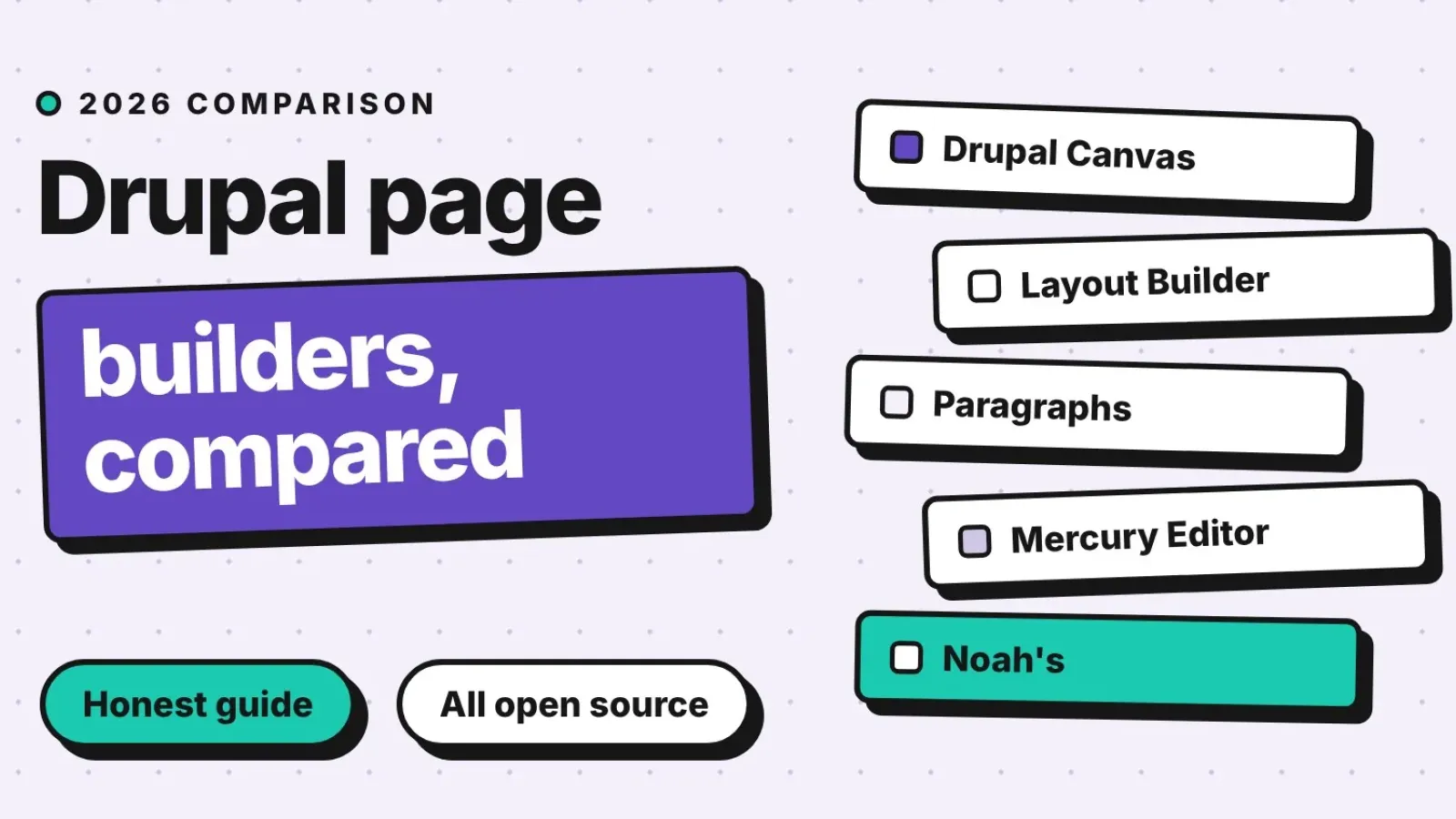
Short answer: there is no single "best" Drupal page builder in 2026. Drupal Canvas is the new default in Drupal CMS 2.0 and the long-term bet of the project. Layout Builder is the safe choice already in core. Paragraphs (with Layout Paragraphs or Mercury Editor on top) is ideal for structured, component-based content. Noah's Page Builder is a lightweight, free visual editor for teams that want drag-and-drop pages on Drupal 10, 11 or 12 without a big setup.
Below we compare each Drupal page builder on how editors work, how content is stored, compatibility and who it suits, with figures taken from drupal.org on 20 November 2026.
Drupal page builders at a glance
| Builder | Where it lives | Editing style | Declared core compatibility | Reported installs* |
|---|---|---|---|---|
| Drupal Canvas | Contrib (default in Drupal CMS 2.0) | Visual, in-browser, components (SDC + JSX) | ^11.3 | ~14,500 |
| Layout Builder | Drupal core | Drag-and-drop blocks into sections | Core | Part of core |
| Paragraphs | Contrib | Form-based, predefined components | ^10.3 || ^11 | ~250,700 |
| Layout Paragraphs | Contrib (on Paragraphs) | Drag-and-drop layouts for paragraphs | ^10 || ~11 | ~20,200 |
| Mercury Editor | Contrib (on Layout Paragraphs) | Live preview + off-canvas editing tray | ^10.3 || ~11 | ~2,000 |
| Noah's Page Builder | Contrib | Visual front-end editor with widgets | ^10 || ^11 || ^12 | 15 |
*Sites reporting usage through Update Status for the week of 8 November 2026, according to drupal.org. Real usage is higher for every project, because many sites don't report.
Drupal Canvas: the new default
Drupal Canvas started life as Experience Builder and was renamed in 2025. Since Drupal CMS 2.0 (28 January 2026) it is the default editing experience in Drupal CMS.
Editors build pages visually in the browser by dragging components onto the page and setting their properties. Front-end developers feed it Single Directory Components (Twig, CSS and JS) or code components written in JSX directly in an in-browser editor.
- Best for: new projects on Drupal 11.3+, teams with a design system, Drupal CMS sites.
- Keep in mind: it requires core 11.3 or later and is moving fast (1.13.0 shipped on 18 November 2026), so budget time to follow releases.
Layout Builder: the core option
Layout Builder has been a stable core module since Drupal 8.7 (May 2019). You define a default layout per content type and, if you allow it, editors override the layout of individual items.
Pages are made of sections (one, two, three columns…) filled with blocks: fields, custom blocks, Views and so on.
- Best for: sites that want zero extra dependencies and a predictable, well-documented tool.
- Keep in mind: editors work in an admin-style interface, and design flexibility depends heavily on your theme and the block types you prepare for them.
Paragraphs, Layout Paragraphs and Mercury Editor
Paragraphs
Paragraphs is the most installed option here by far. Instead of one big WYSIWYG field, editors add predefined paragraph types (text + image, quote, gallery…). Each paragraph is a fieldable entity, so content stays structured and reusable.
On its own, though, editing happens in a form, not on a visual page.
Layout Paragraphs
Layout Paragraphs adds drag-and-drop layouts on top of existing Paragraphs fields, using the core Layout API. Version 3.0 arrived in October 2026.
Mercury Editor
Mercury Editor builds on Layout Paragraphs. It replaces the node edit form with a live interactive preview and an off-canvas tray for editing, plus templates and mobile/tablet previews.
- Best for: editorial sites and agencies that value structured content and already use Paragraphs.
- Keep in mind: someone has to design and maintain every paragraph type, and a page can contain many entities to manage.
Noah's Page Builder: the lightweight alternative
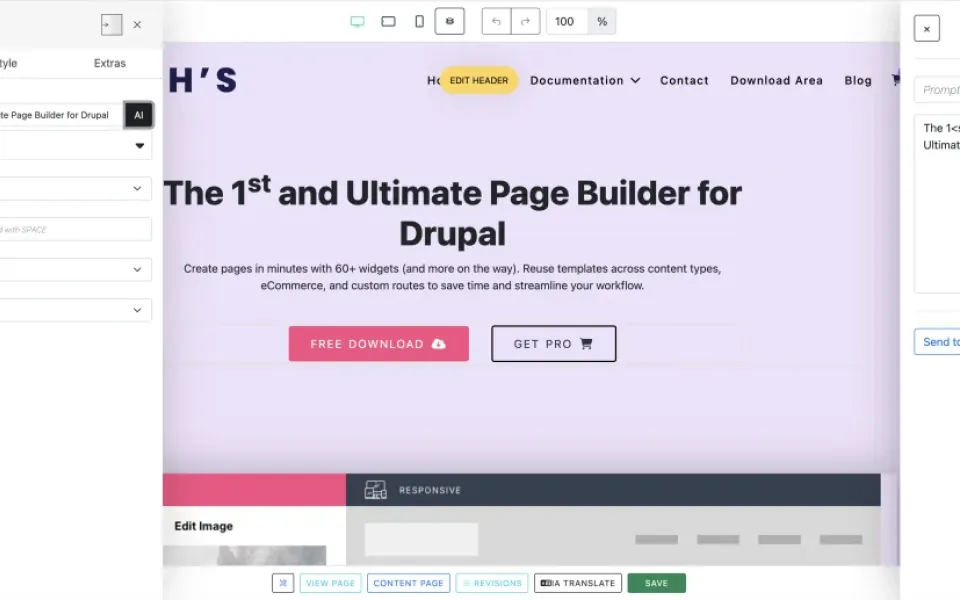
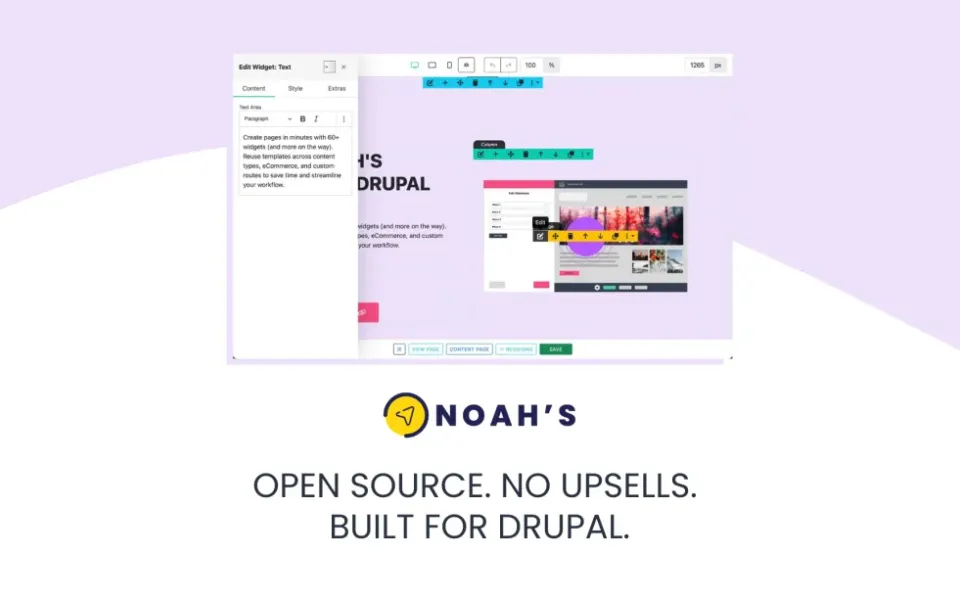
Noah's Page Builder is a free, open-source visual editor for Drupal. You edit the page on the front end, drag in rows, columns and widgets, and see the result live.
What the free module includes:
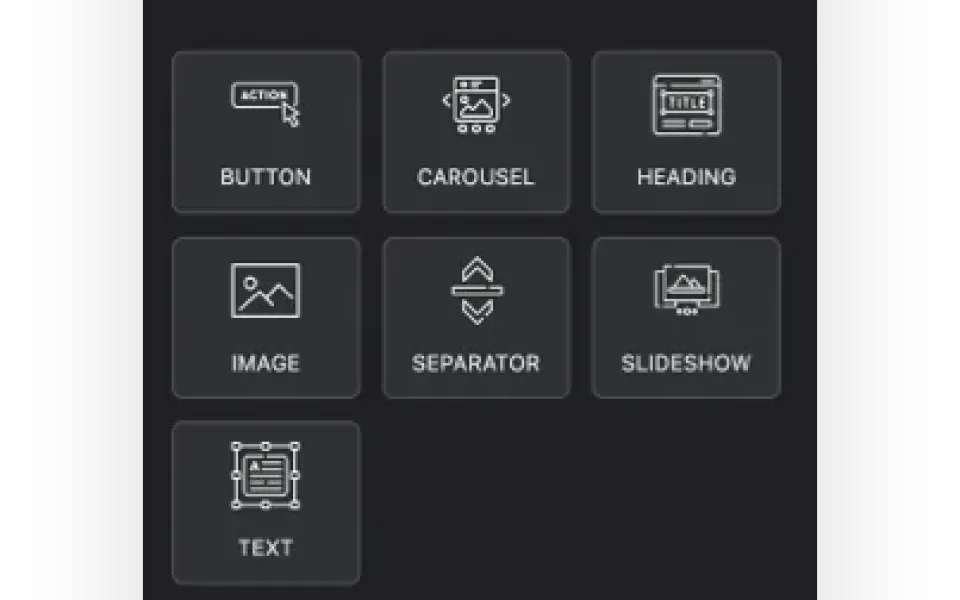
- More than 30 widgets: headings, text, images, buttons, galleries, tabs, accordions, carousels, video, countdowns and more.
- Drupal-native widgets that place your existing Views, blocks, custom blocks, Webforms, tokens and even paragraphs inside a layout.
- Responsive settings for desktop, tablet and mobile, plus global styles.
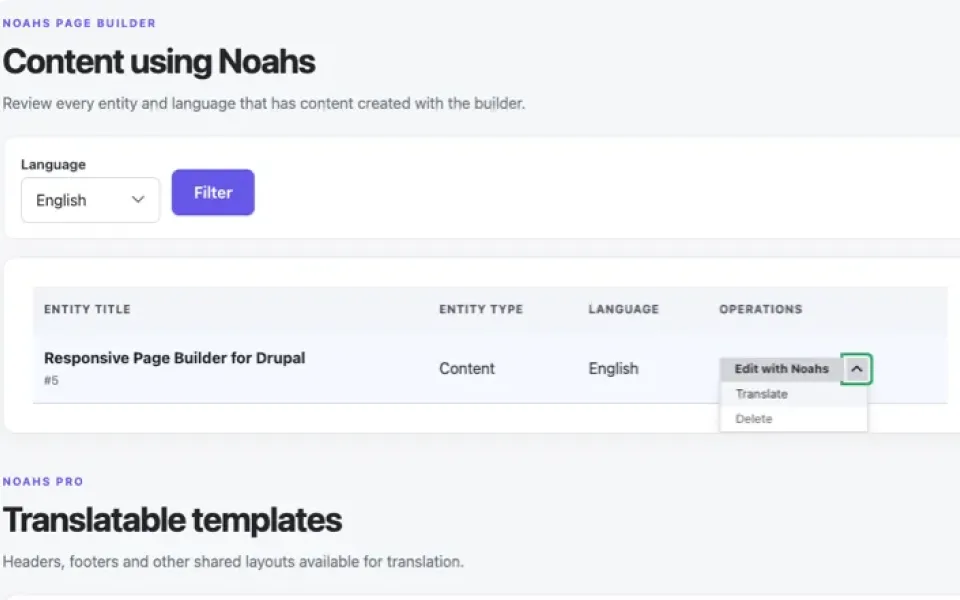
- Translation-aware layouts: each language version can follow the original layout or have its own.
The paid Noah's Pro adds a theme builder (headers, footers, user pages), global elements, reusable templates, Drupal Commerce widgets and more. Everything listed above the Pro paragraph is free.
- Best for: small teams, freelancers and marketers who want landing pages and campaign pages fast, including sites still on Drupal 10.
- Keep in mind: the layout is stored as JSON per entity and language, not as Drupal fields, so it's less suited to content you want to reuse field by field. Its community is also much smaller than core or Paragraphs.
We're obviously biased here, so judge for yourself: the how it works page shows the editor in action, and why we built Noah's as a simple alternative explains the thinking behind it.
How to choose the right Drupal page builder
- Starting a new Drupal CMS or 11.3+ site with a design system? Start with Canvas.
- Need something in core with long-term stability? Layout Builder.
- Content is highly structured and reused across the site? Paragraphs, and add Layout Paragraphs or Mercury Editor for a better editing experience.
- Want visual drag-and-drop pages today, on Drupal 10, 11 or 12, with a free module? Try Noah's.
These tools can also coexist. Plenty of sites keep articles in Paragraphs and build landing pages with a visual builder.
A note on Drupal 12: it hasn't been released yet (12.0.0-beta2 is out). Before upgrading, check each builder's project page for its declared compatibility, and test editing workflows, not just how pages render.
FAQ
Is Experience Builder the same as Drupal Canvas?
Yes. Experience Builder was the working name. The project is now called Drupal Canvas, and the old experience_builder project is kept only for historical reasons.
Is Layout Builder being replaced by Canvas?
Canvas is the default editor in Drupal CMS 2.0, but Layout Builder is still a stable core module. Existing Layout Builder sites keep working.
What is the difference between Layout Builder and Paragraphs?
Layout Builder arranges blocks and fields into sections on a layout. Paragraphs adds structured, reusable content components to a field. Layout Paragraphs combines the two ideas.
Is there a free drag-and-drop page builder for Drupal?
Yes. Canvas, Layout Builder, Layout Paragraphs, Mercury Editor and Noah's Page Builder are all free and open source. Noah's also has an optional paid Pro version.
Conclusion
The Drupal page builder landscape changed in 2026: Canvas is where the project is heading, Layout Builder and Paragraphs remain solid, and lighter tools fill the gaps. Pick the one that matches your content model and your team, not the one with the flashiest demo.
If you want a visual Drupal page builder you can try in minutes, download Noah's for free on drupal.org:
composer require drupal/noahsMore from the blog
If you're already building with Noah’s, the 1st and ultimate free drupal page builder, you’re in for a treat.
Imagine tweaking your website’s colours, fonts, or text and seeing the changes instantly—without refreshing, saving, or second-gue
In the fast-evolving world of Drupal tools, there are many choices when it comes to building pages efficiently and effectively.
Drupal’s strength has always been its community of contributors, those who push the platform forward through innovation and shared
While the free version of Noah’s Page Builder offers a lot of great features, the Pro version takes your site des

Noah’s Page Builder not only lets you create a visually impressive page layout, but it also offers the ability to add animations,

Noah’s Page Builder is a powerful module for Drupal that allows you to visually design and create pages without writing a single l