Drupal 12 is scheduled for the week of December 7, 2026, and Drupal 10 reaches end of life on December 9, 2026.
Most upgrade checklists cover PHP and databases. This one does too, then looks at the part that usually gets missed: the tools your editors use every day to build pages.
Drupal 12 upgrade: the short version
- Release: Drupal 12.0.0 is planned for the week of December 7, 2026.
- Drupal 10 end of life: December 9, 2026. No more Drupal 10 releases after that, security fixes included.
- Upgrade path: update to the latest Drupal 11 first. The update system refuses to update from 11.2 or earlier; 11.4 or later is recommended.
- PHP: Drupal 12 requires PHP 8.5.
- Removed from core: nine modules and three themes, including Field Layout, Settings Tray, Toolbar and Claro.
- The step people skip: check that your page-building tools support Drupal 12, and test how editors create and edit pages, not just how pages render.
Dates come from the Drupal core release schedule. They can move, so check it before you promise a launch date to a client.
What changes in Drupal 12
Platform requirements
| Requirement | Drupal 12 |
|---|
| PHP | 8.5 |
| MySQL | 8.0 |
| MariaDB | 10.11 |
| SQLite | 3.45 (with the json1 extension) |
| PostgreSQL | Raised. The January 2026 announcement said 18; the 12.0.0-beta1 release notes list 19. Check the final release notes. |
| Web server | Unchanged: Apache 2.4.7 or nginx 1.1 minimum |
PHP 8.5 is usually the item that needs a conversation with your hosting provider, so start there.
Modules and themes removed from core
According to the Drupal 12.0.0-beta1 release notes, these leave core:
- Modules: Ban, Contact, Field Layout, History, Search, Settings Tray, Shortcut, Telephone, Toolbar.
- Themes: Claro, Stable 9, Olivero.
"Removed from core" doesn't mean "gone forever". Many continue as contributed projects. Before upgrading, uninstall what you don't need or require the contributed version with Composer.
Two more changes worth knowing
- New admin theme: Default Admin is now stable and replaces Claro, which moves to a contributed project.
- Password hashing: the default changes from bcrypt to Argon2id. Sites without Argon2 can switch back through kernel parameters.
The page-building part of the checklist
Most upgrade guides treat page building as "just another contrib module". For the people who edit the site, it's the whole experience.
Three items on the removed list touch it directly:
- Field Layout arranges fields in display layouts. If your content types depend on it, require the contributed version or move those layouts elsewhere.
- Settings Tray powers quick in-place block editing. Editors who rely on it will notice.
- Toolbar and Claro change how the admin looks. Your editors' muscle memory is about to get a workout, so include them in testing.
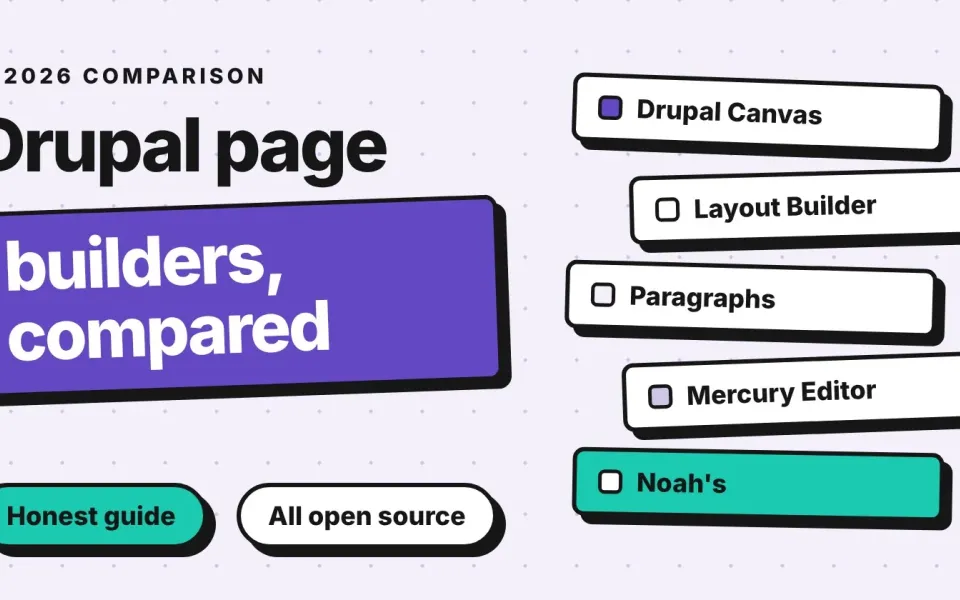
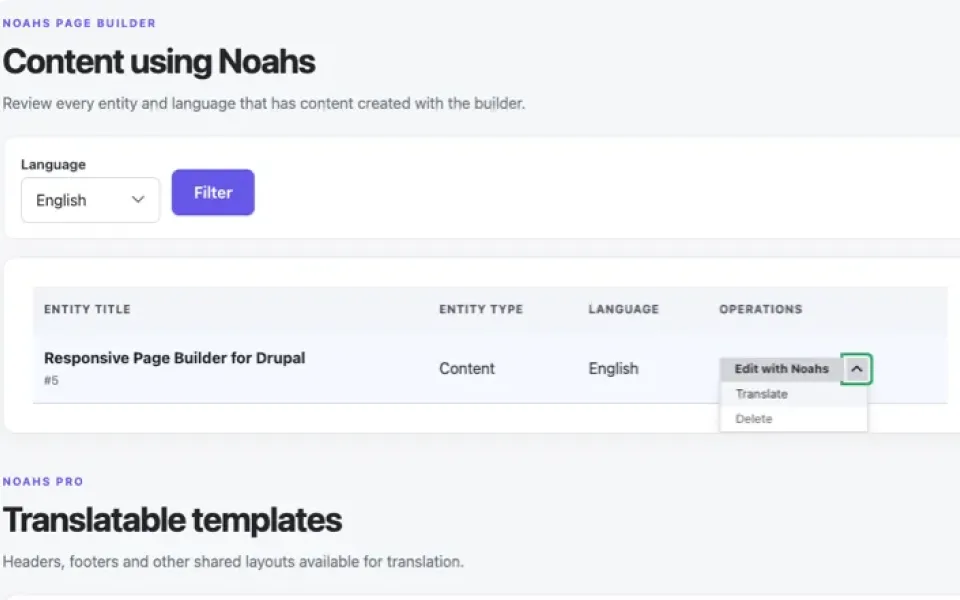
Layout Builder itself is not on the removed list. Paragraphs, Layout Paragraphs, Mercury Editor, Drupal Canvas and Noah's Page Builder each follow their own release cycle, so check every one on its project page.
How to check your page builder is ready
- List your layout layer. Every module involved in building pages: layouts, components, widgets, styles, popups, email templates. The small helpers are the ones people forget.
- Read each project page. Every release on drupal.org says what it works with (for example "^10 || ^11 || ^12"). No 12 there means you can't upgrade yet, or you need a plan B.
- Ask Composer. On a copy of the project,
composer why-not drupal/core 12.0.0 lists the packages blocking the upgrade.
- Scan custom code. The Upgrade Status module finds deprecated code and incompatible projects.
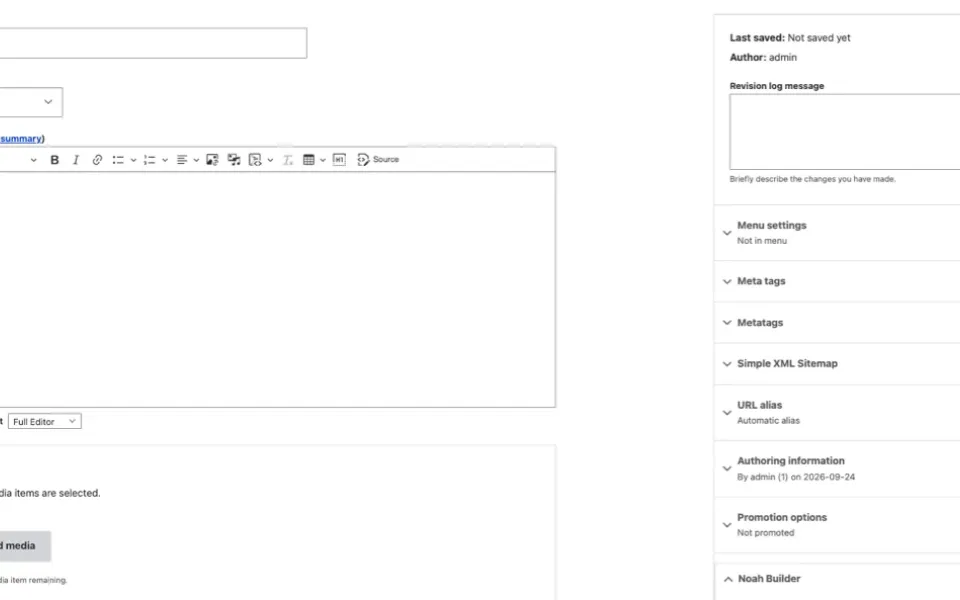
- Test editing, not just viewing. On staging, have an editor create a page, edit a layout, reuse a shared section, check mobile, translate a page and roll back a revision.
Pages that look right after the upgrade can still be painful to edit.
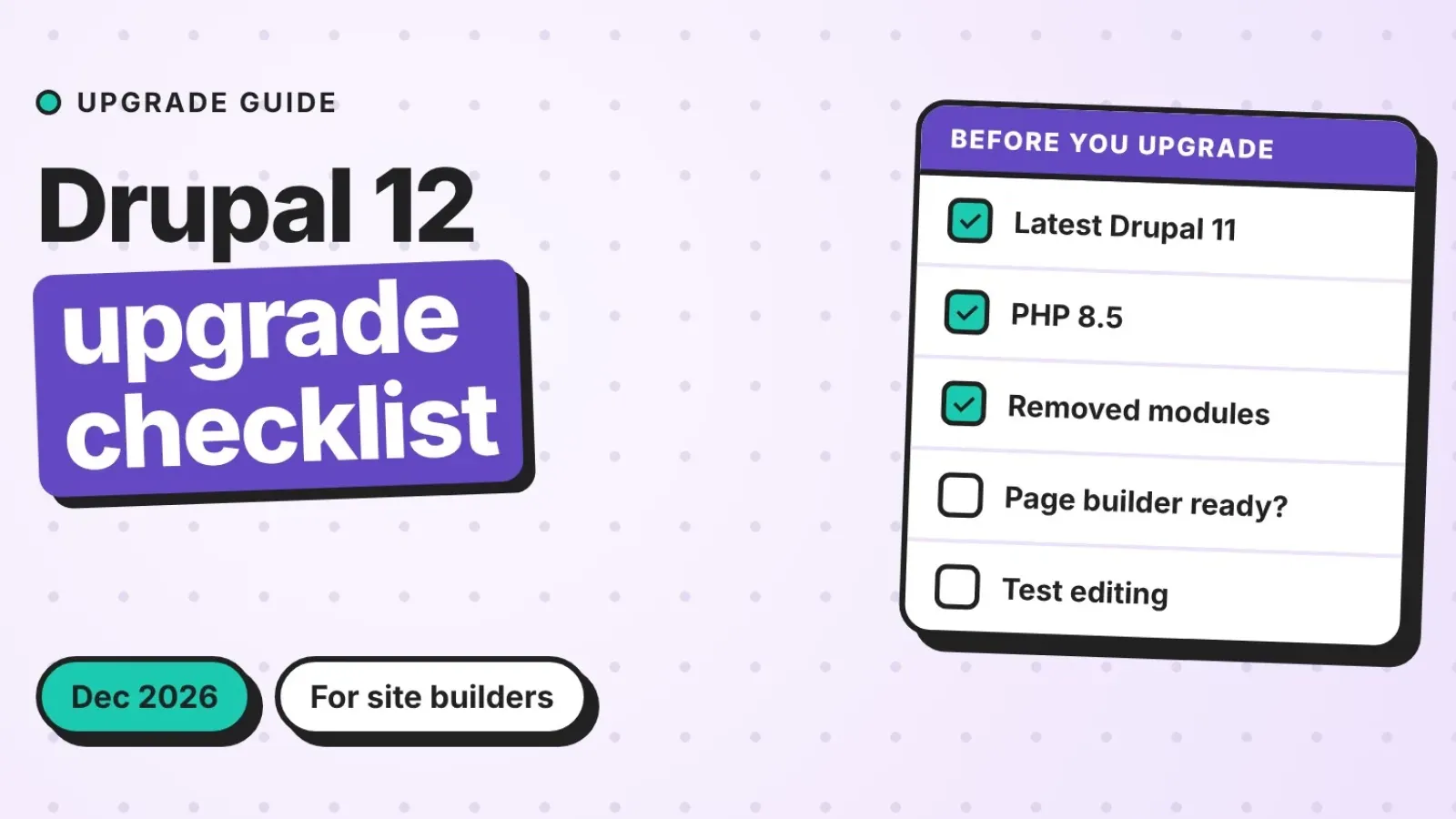
Your Drupal 12 upgrade checklist
- Update to the latest Drupal 11 release (11.4 or later recommended).
- Move staging to PHP 8.5 and check your database version.
- Install Upgrade Status and fix what it reports.
- Uninstall the removed modules and themes, or require their contributed versions.
- Confirm Drupal 12 compatibility for every page-building module.
- Prepare editors for the new admin theme.
- Run the upgrade on a copy and test real editing workflows.
Still on Drupal 10? Plan for two jumps (10 → latest 11 → 12) and don't wait until December.
Where Noah's Page Builder fits
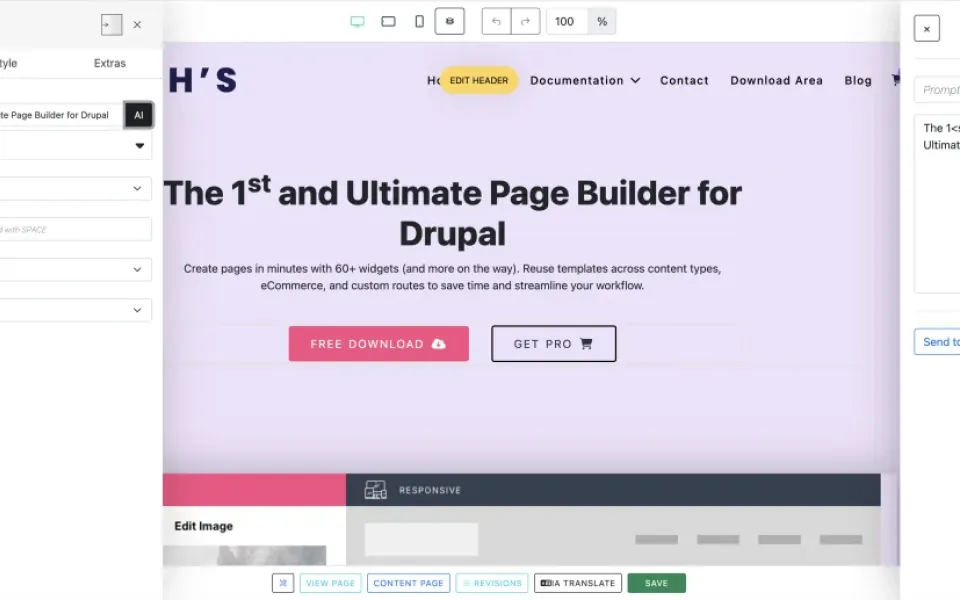
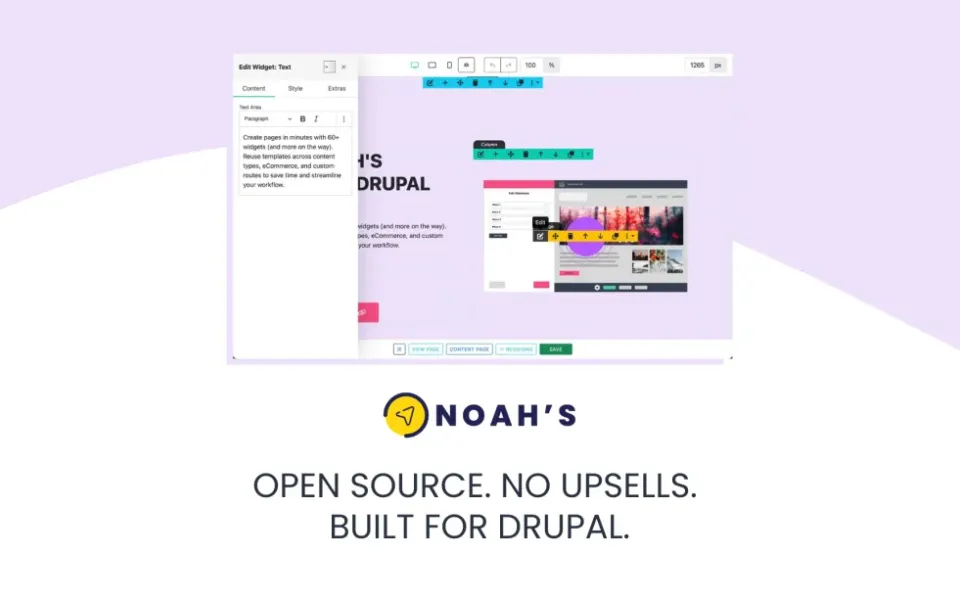
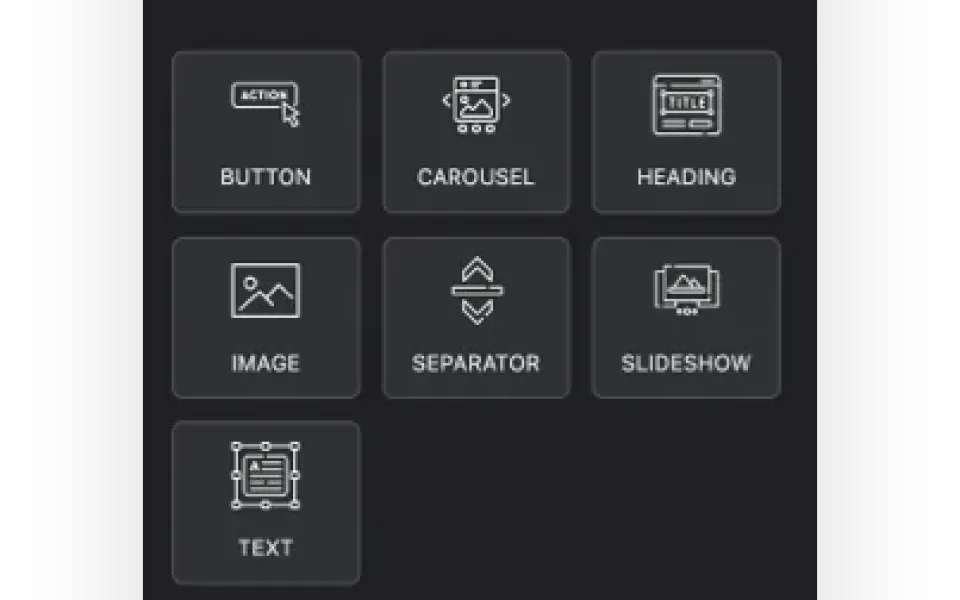
If Noah's is your page builder, that item is already ticked. Noah's Page Builder 4.x declares compatibility with Drupal 10, 11 and 12 on drupal.org, so your pages, popups and email templates keep the same visual editor on both sides of the upgrade.
Planning an upgrade anyway? It's a good moment to try it:
composer require 'drupal/noahs:^4.0'
New to Noah's? Start with what Noah's Page Builder is or see how it works. Need the Theme Builder, global sections or revisions? Those are part of Noah's Pro.
FAQ
When is Drupal 12 released?
The week of December 7, 2026, according to the Drupal core release schedule.
Can I upgrade directly from Drupal 10 to Drupal 12?
No. Update to the latest Drupal 11 first. The update system refuses to update from 11.2 or earlier.
What happens to Drupal 10 after December 9, 2026?
It reaches end of life. No new releases, so newly found vulnerabilities won't be fixed.
Is Layout Builder removed in Drupal 12?
No. Field Layout and Settings Tray are removed; Layout Builder stays.
What PHP version does Drupal 12 need?
PHP 8.5.
The bottom line: a Drupal 12 upgrade is mostly predictable work. The surprises come from the layer between your content and your editors. Check it early, test it with the people who use it, and December becomes a normal month.
Sources: Drupal core release schedule · Drupal 12.0.0 platform requirements · Drupal 12.0.0-beta1 release notes. Last checked: November 17, 2026.