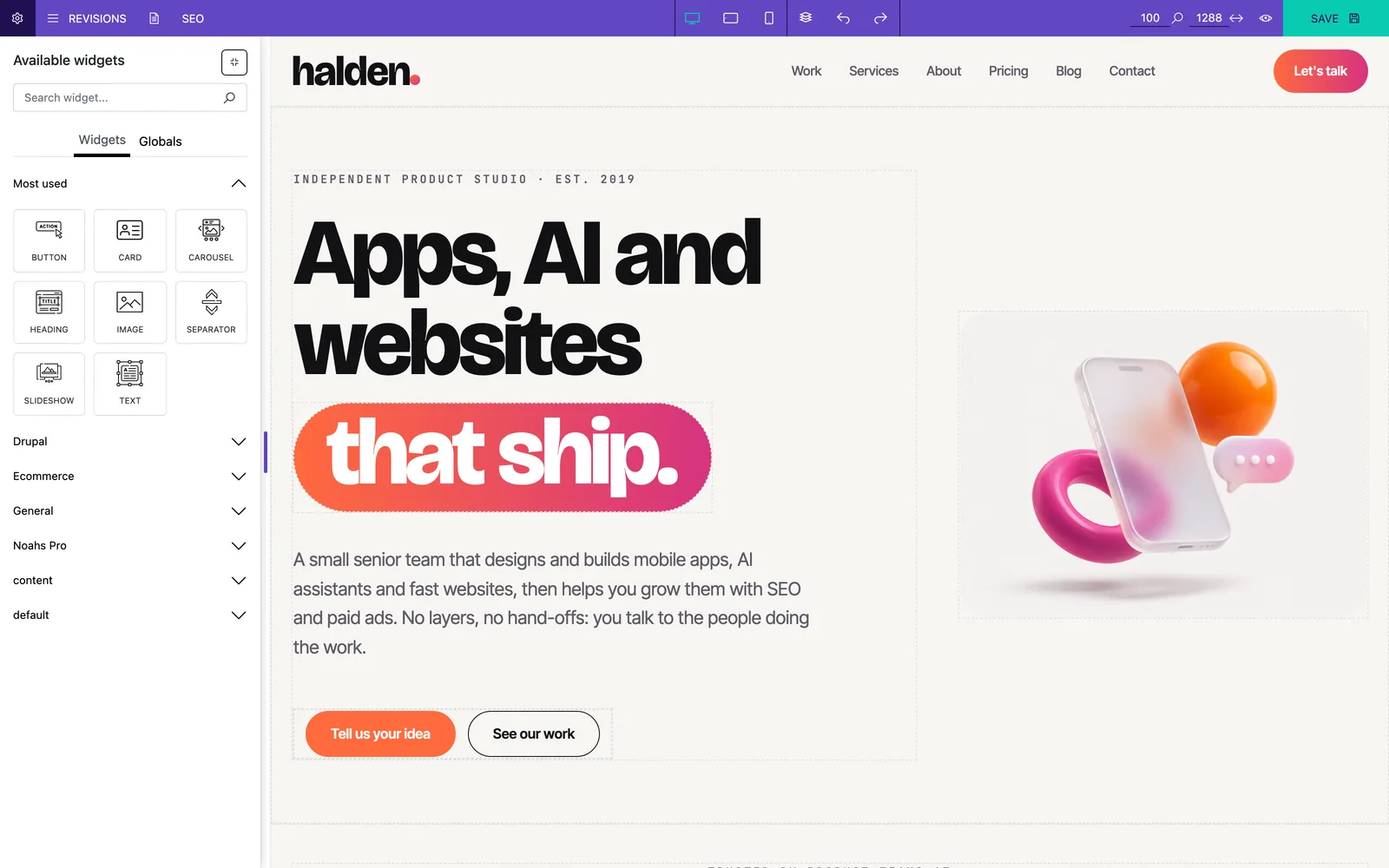
Design without code. Build without limits.
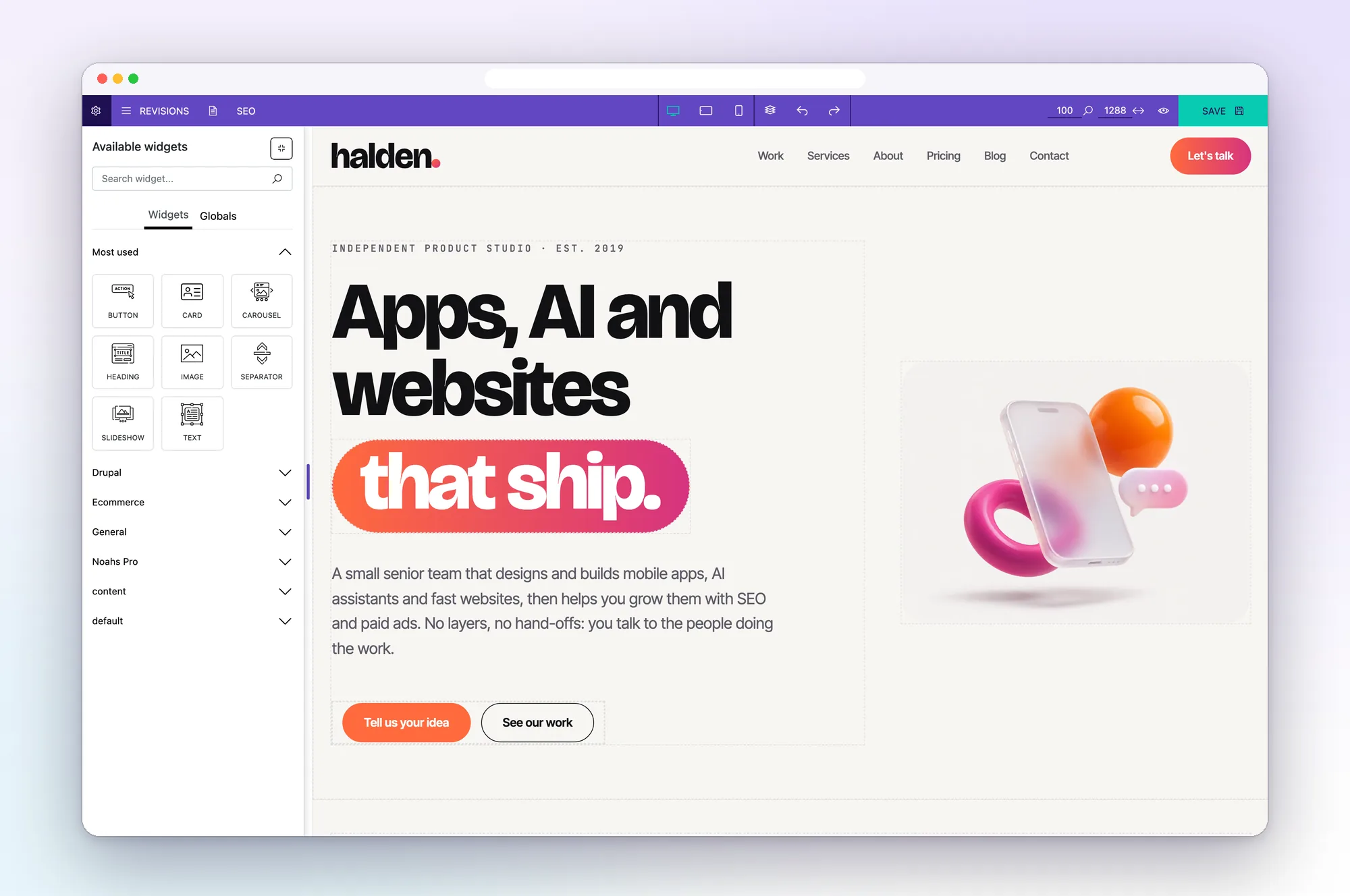
Same Drupal. A new way to build.
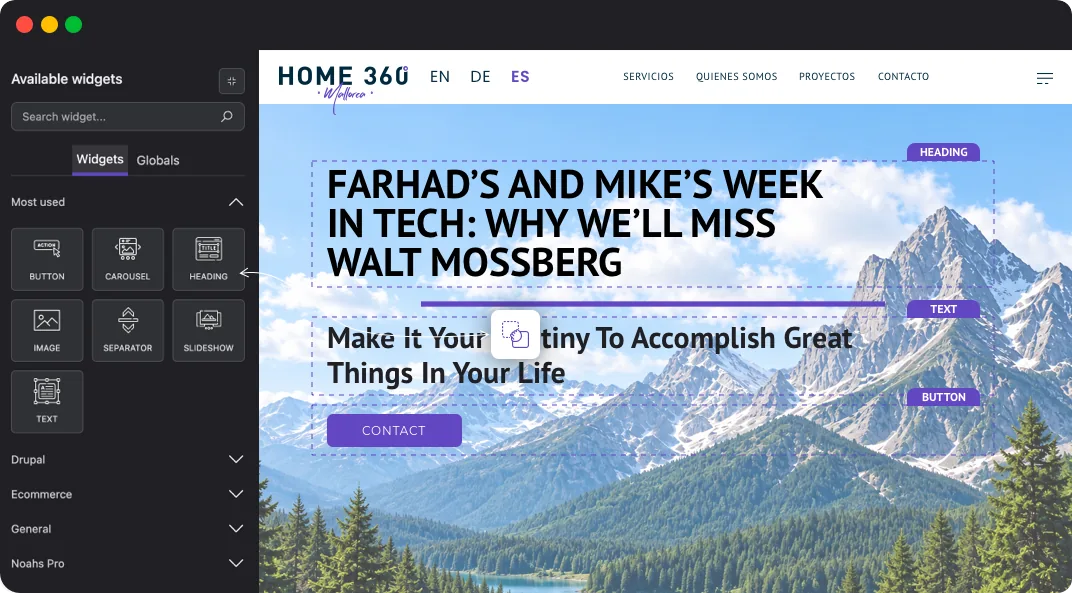 With Noah's
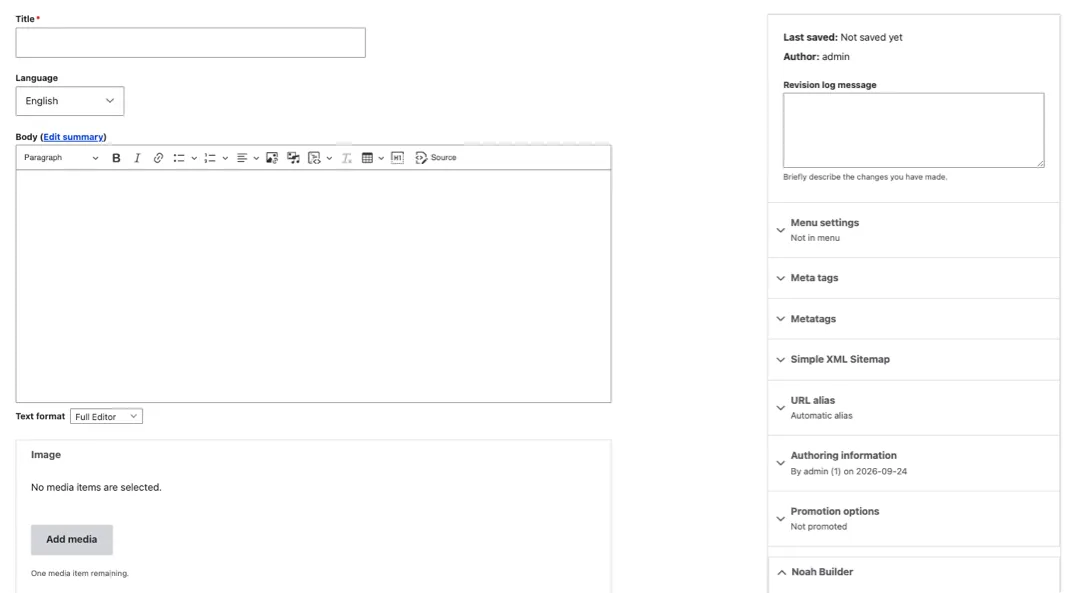 Drupal form
Everything a page needs. Nothing it doesn’t.
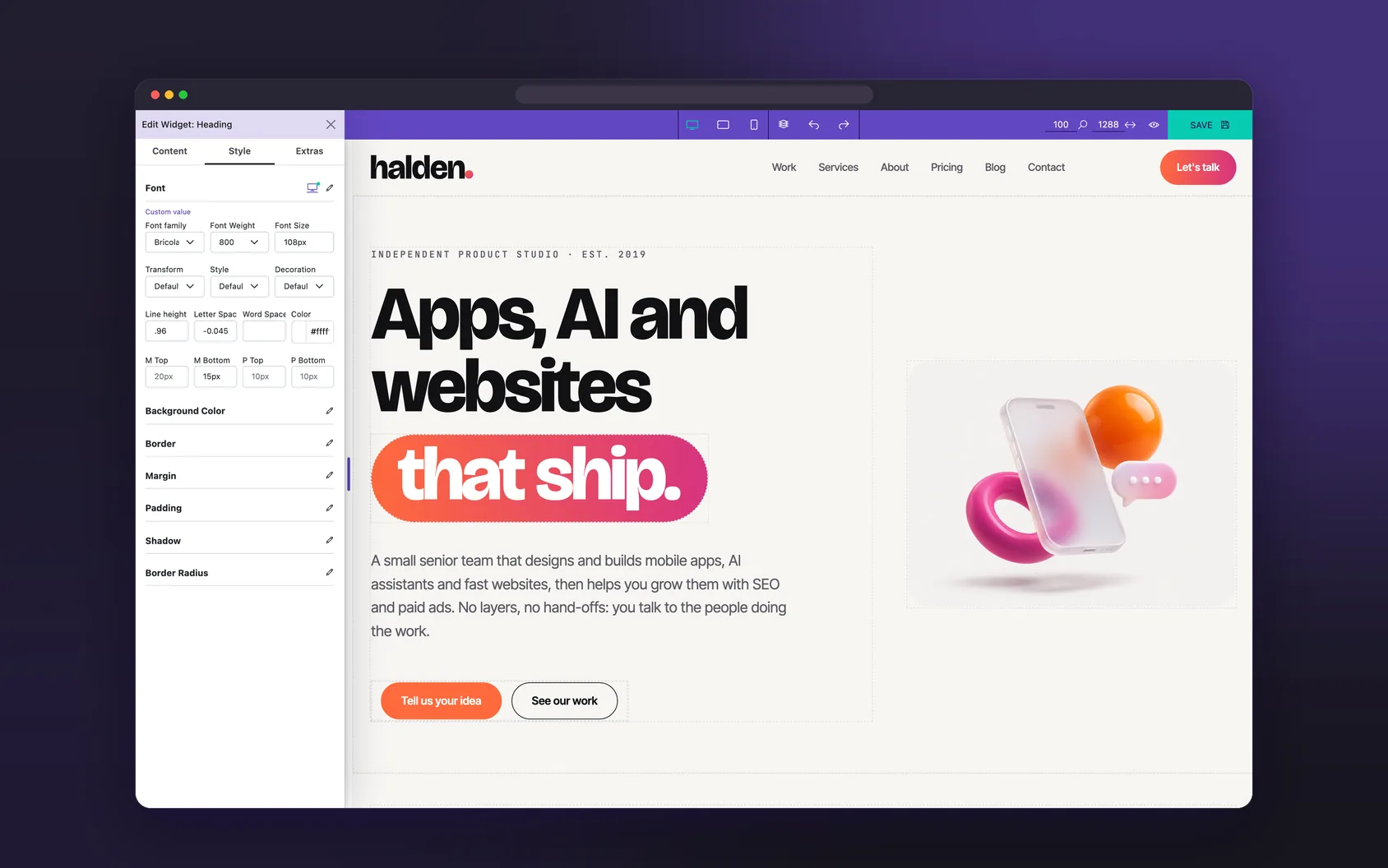
Pick a widget, drop it on the page and style it with live preview. Rows, columns and widgets, all visual.
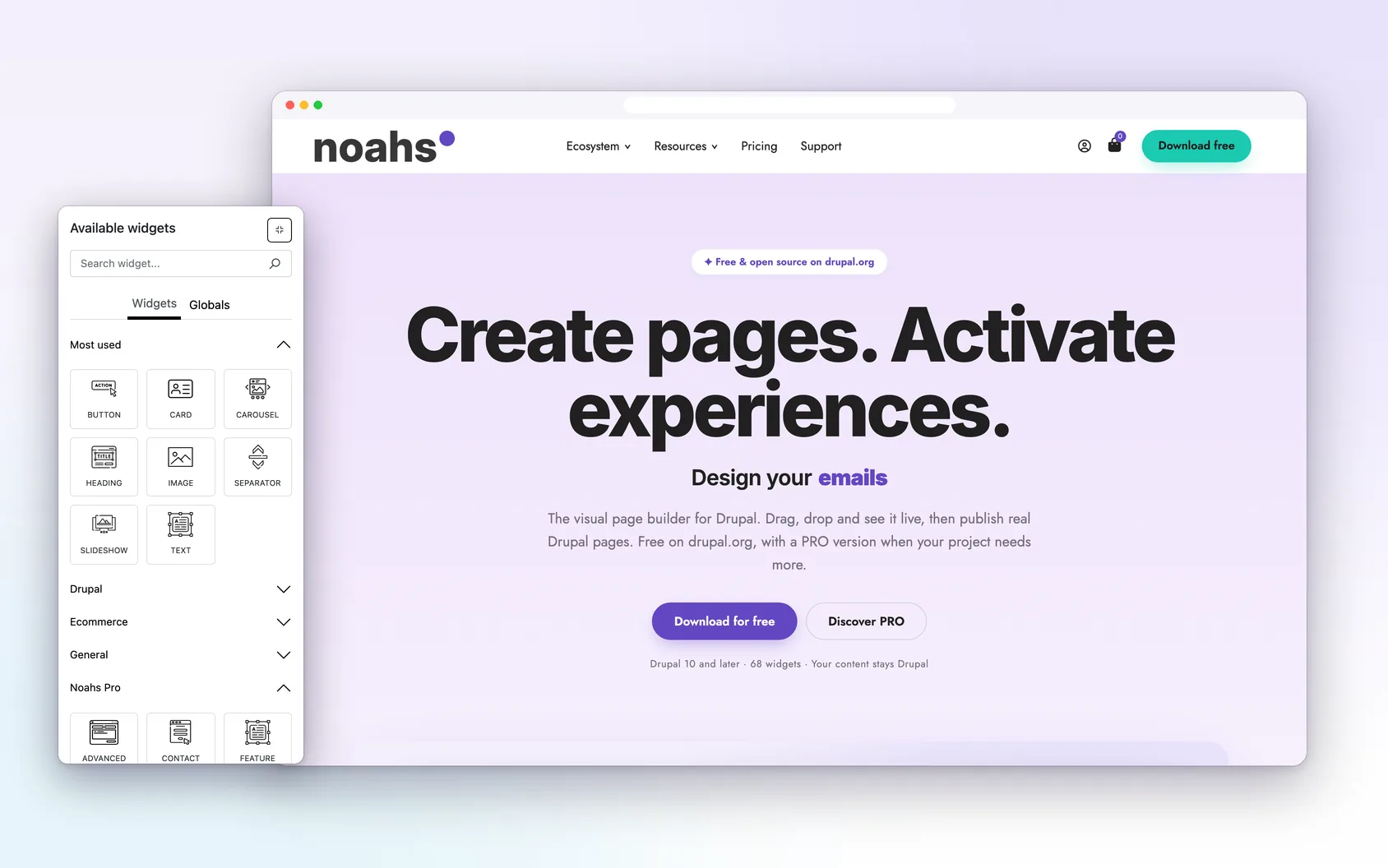
Noah's works with Drupal's entities, fields, views, blocks, languages and permissions. Your content stays where it belongs.
Styles are generated per design, so pages stay light and the code stays tidy.
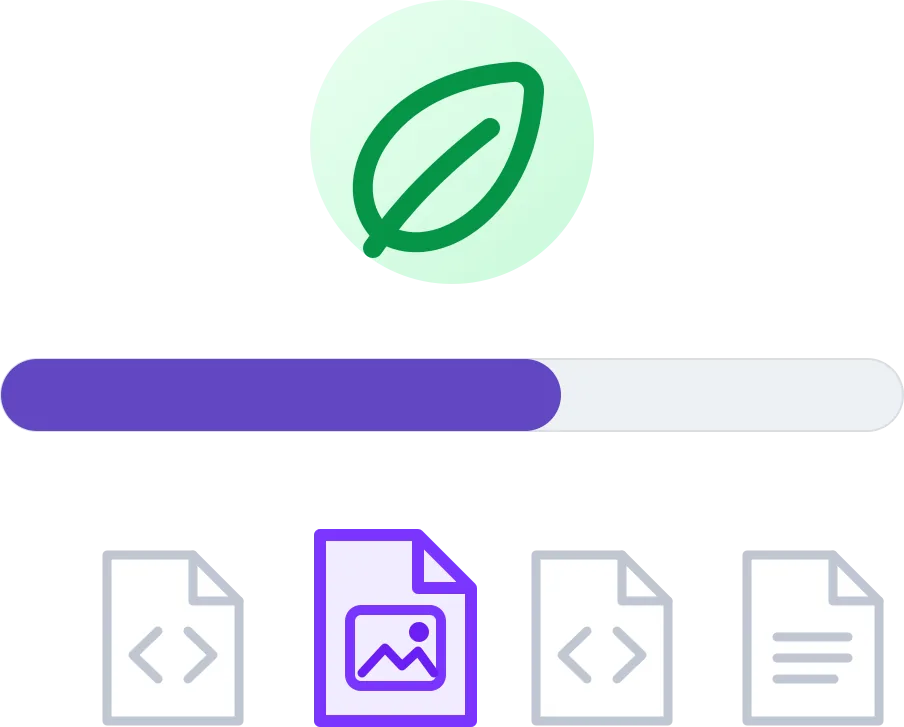
Drag images onto any widget, keep them in the media library and pick SVG icons from the built-in set.
Need a final touch? Add custom CSS to a single widget.
selector h2 {
  text-wrap: balance;
}Every style control has its own value for desktop, tablet and mobile. Override only what changes.
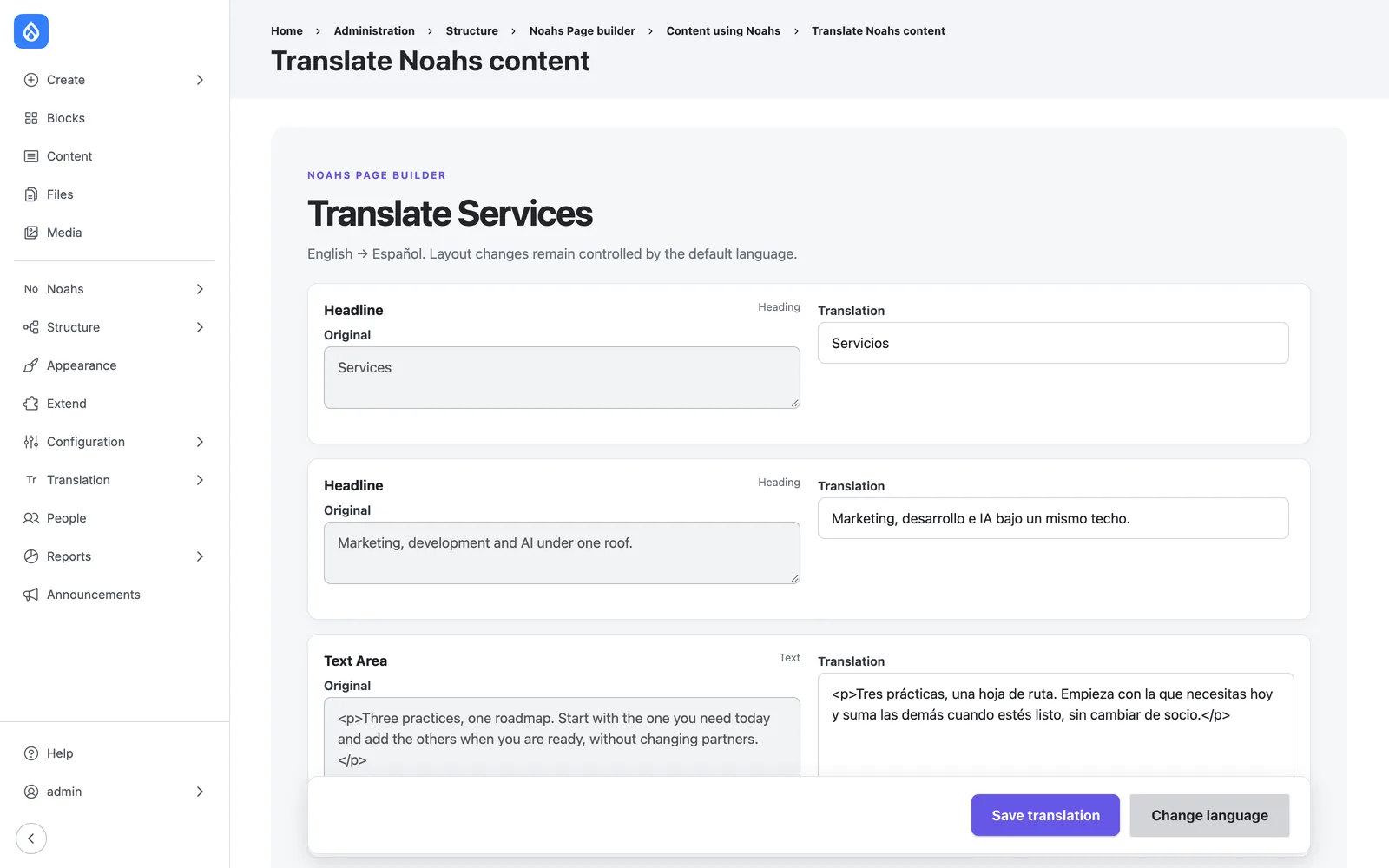
Design once and translate the texts per language, by hand or with Noah's AI.
Movement with intention.
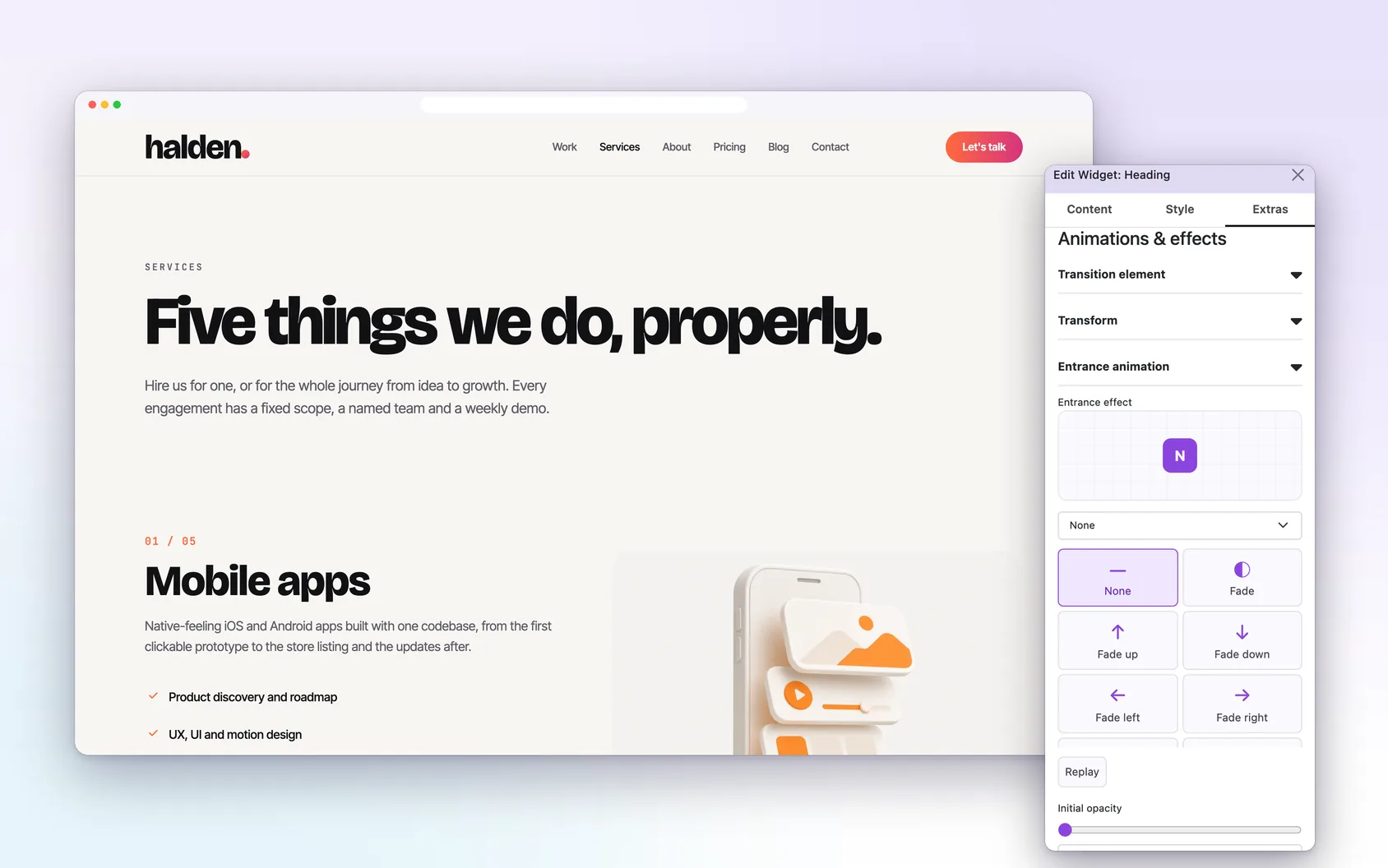
Fade, slide, zoom or flip any element in as it enters the screen.
Tie movement to the scroll: rise, drift, zoom or reveal as the visitor reads.
Gentle loops and smooth state changes that make the interface feel alive.
Go beyond the page.
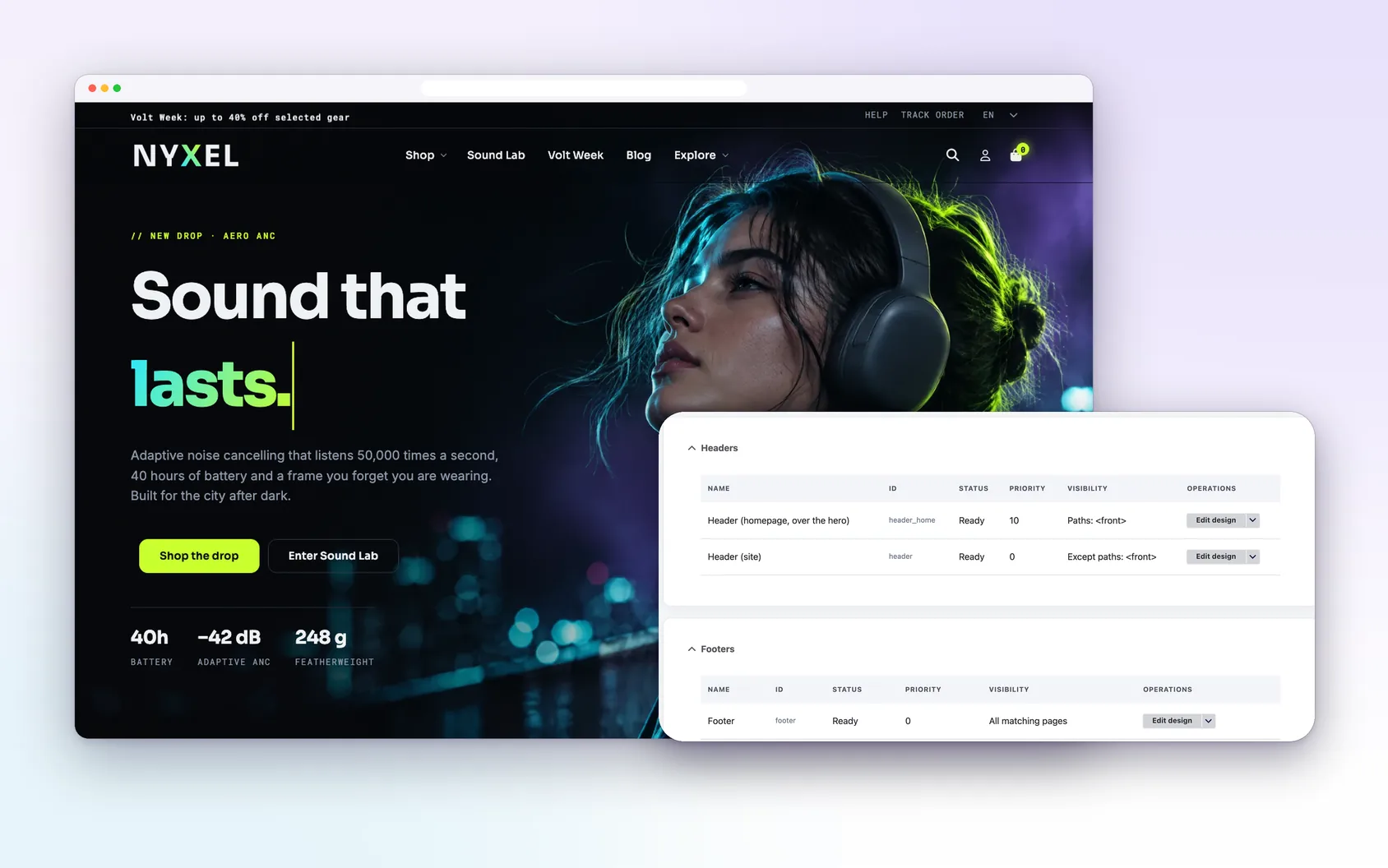
Headers, footers, user pages and custom routes, designed visually.
A layout for each entity and display mode: full page, teaser, card.
Create an element once and update it everywhere from one place.
Save sections and full layouts and reuse them in new designs.
Every new widget starts with your brand look. No repeated tweaks.
Show or hide widgets by role, cookie, URL parameter or device.
Design every part of Drupal.
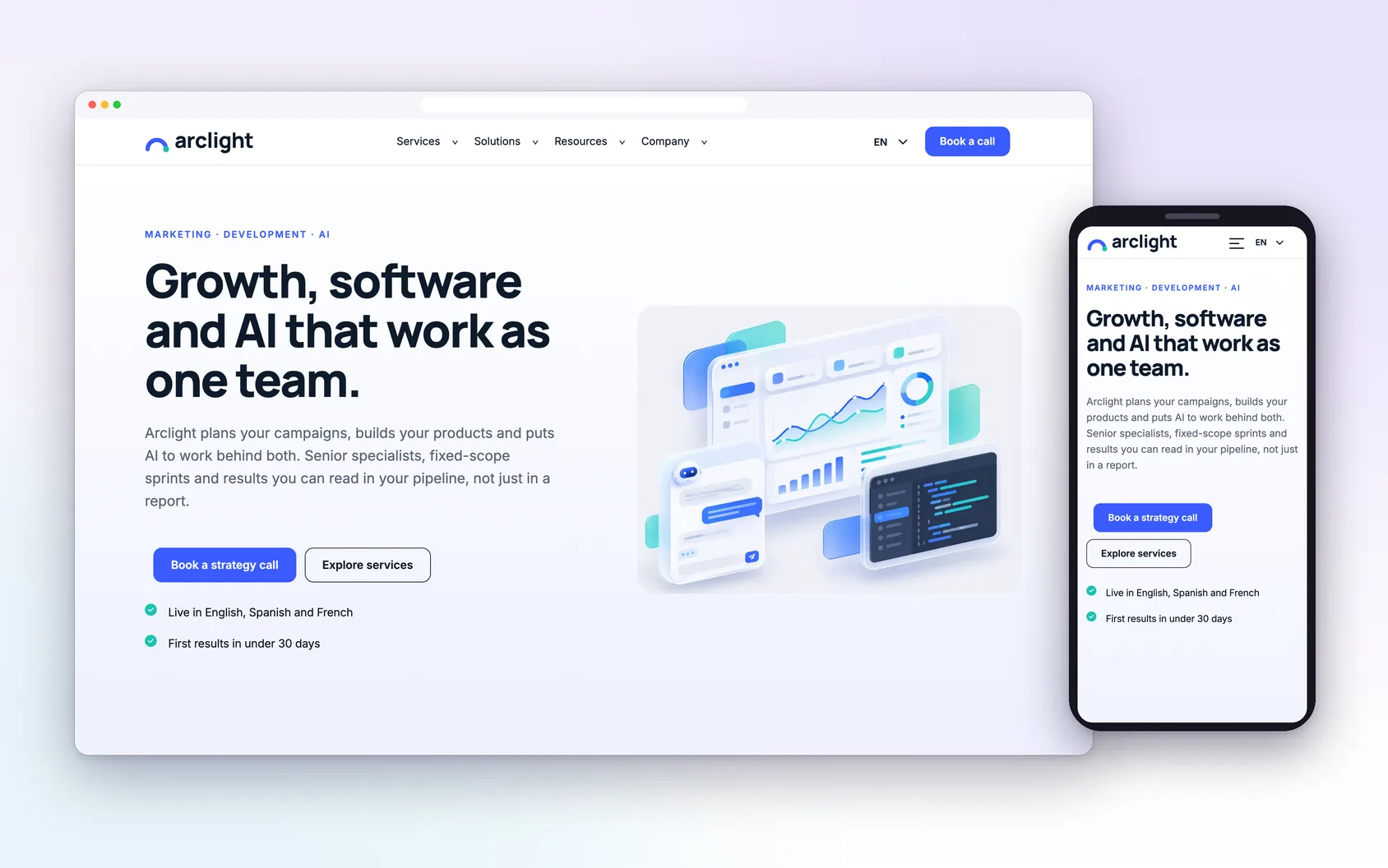
Use the same editor for the header, the footer, user pages and layouts for custom routes. One visual language across the whole site, beyond the main content.
✓ Header and footer
✓ Login, register and user profile pages
✓ Templates for nodes, products and taxonomy
✓ Custom routes from your own modules
Download Noah's Page Builder from its page on drupal.org and install it like any other module, with Composer (composer require drupal/noahs) or manually. Noah's PRO is a separate download: extract it in your modules/custom folder and enable it.
Noah's Page Builder is free and open source. Noah's PRO and Popups PRO are paid add-ons: they unlock more tools and help keep the editor alive.
The free modules don't need any licence. With Noah's PRO you get updates and support for the period you choose: 3, 6 or 12 months.
Yes. You can create your own widgets and controls (see the documentation), as long as you don't distribute copies of Noah's code inside other modules for commercial gain.
Start free. Build something great.